

VDASH Guide
VDASH Cloning Guide
Requirements, software setup, vehicle connection, and the basic module cloning procedure in VDASH.
Requirements
- A computer with Windows 7, 8, 10, or 11
- Internet access
- A compatible diagnostic cable: SUPER J2534, Volvo DiCE, or another J2534 cable
- 12V car battery charger (strongly recommended)
- Laptop charger (recommended if the battery is weak)
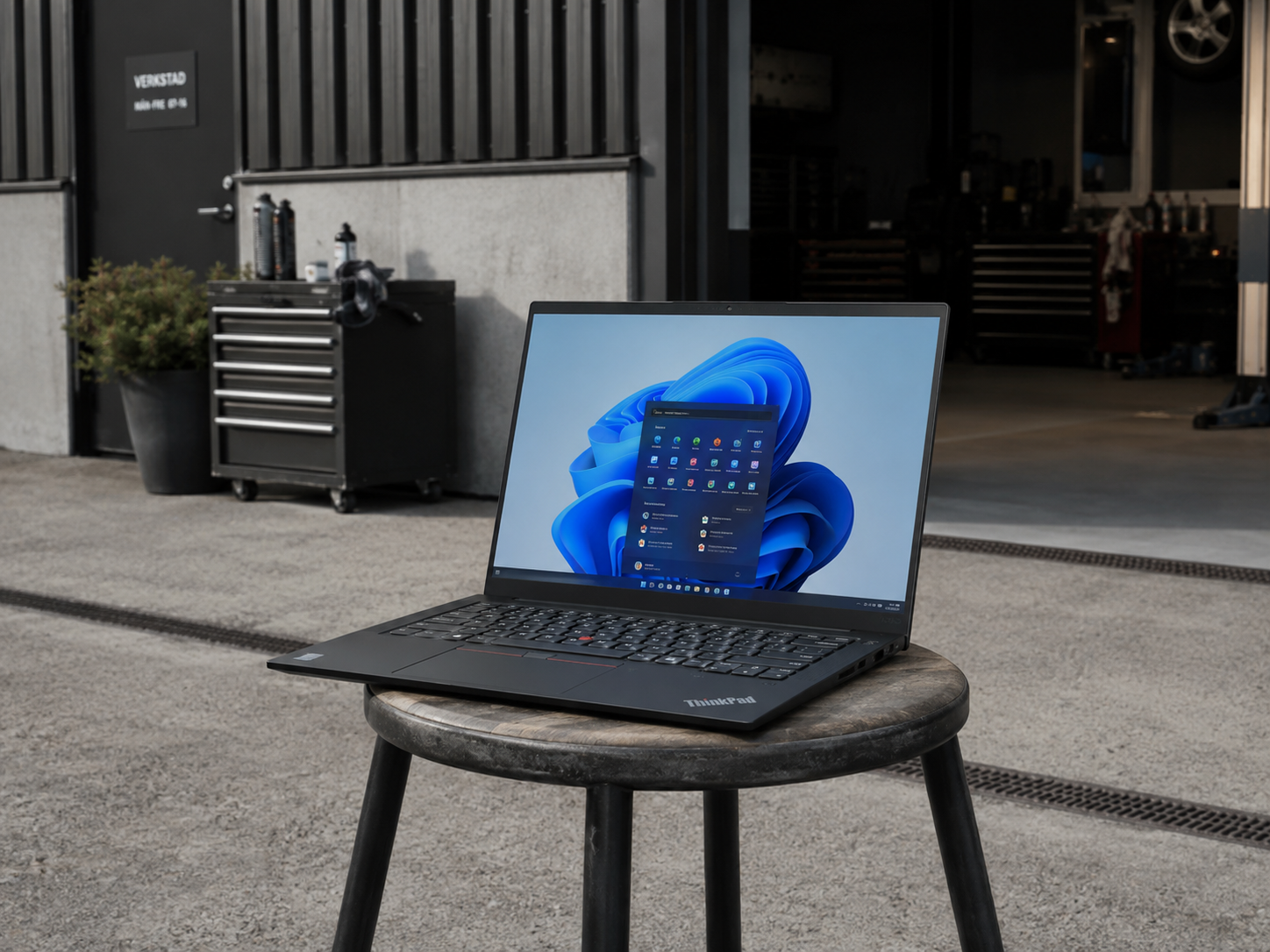
Software Installation
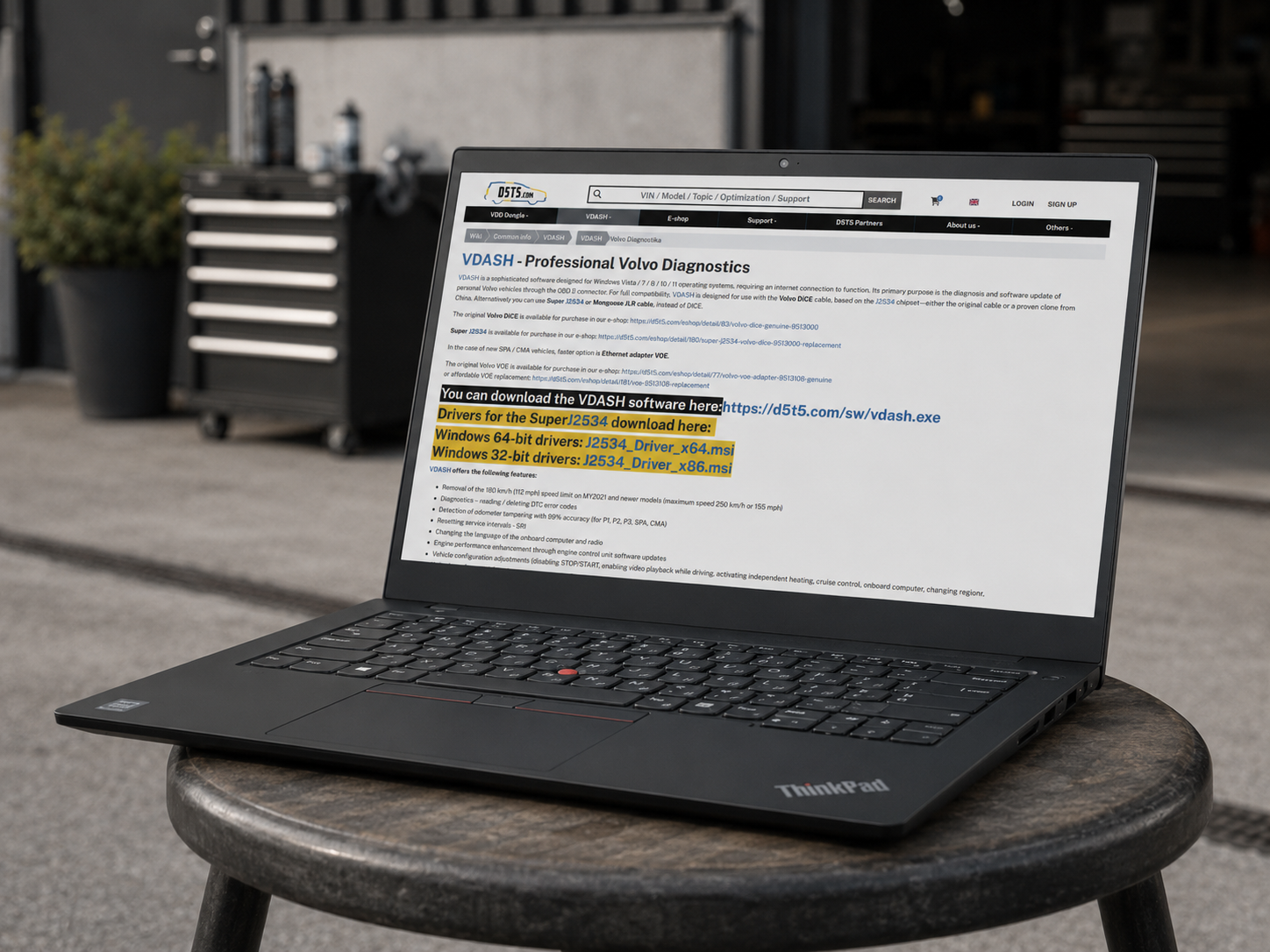
- Open your web browser and go to https://d5t5.com/vdash
- Download the VDASH installer and drivers for SUPER J2534
- Run the installer and install VDASH along with the drivers
- Go to https://anydesk.com/
- Download and install AnyDesk for remote support if needed
Registration and Login
- Create a VDASH account:
- directly in the VDASH application, or
- via the website https://d5t5.com/
- Launch VDASH
- Allow the firewall rule creation for DoIP
- Log in using your account
Connecting to the Vehicle
- Connect the 12V charger to the vehicle's starter battery and ensure correct polarity
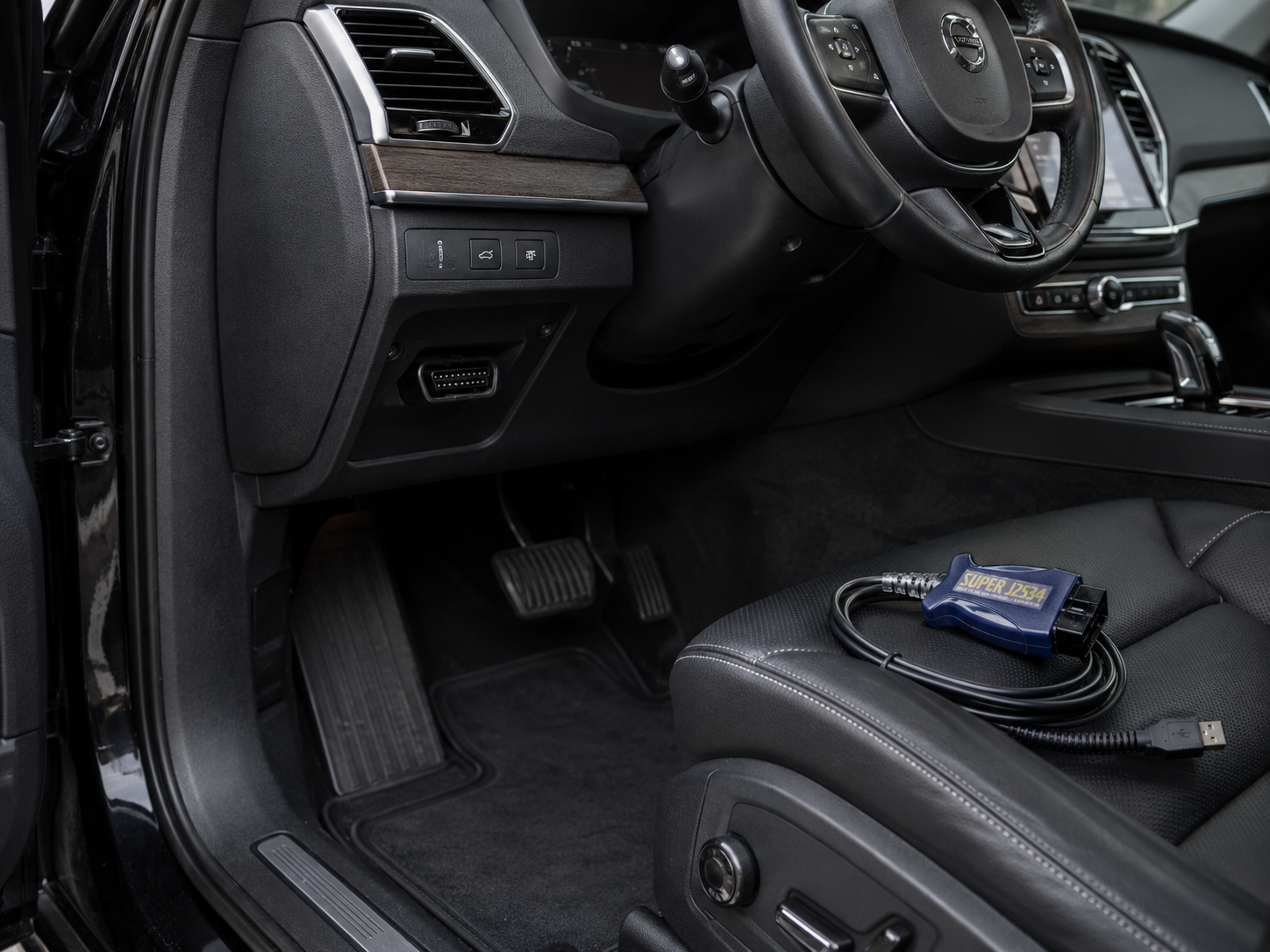
- Plug the diagnostic cable into the OBD socket, typically located near the driver's left foot in EU vehicles
- Connect the USB cable to your laptop
- Turn the ignition to position II:
- Mechanical key: turn the key just before the engine start position
- Start button: hold it for approx. 5 seconds without pressing the brake or clutch
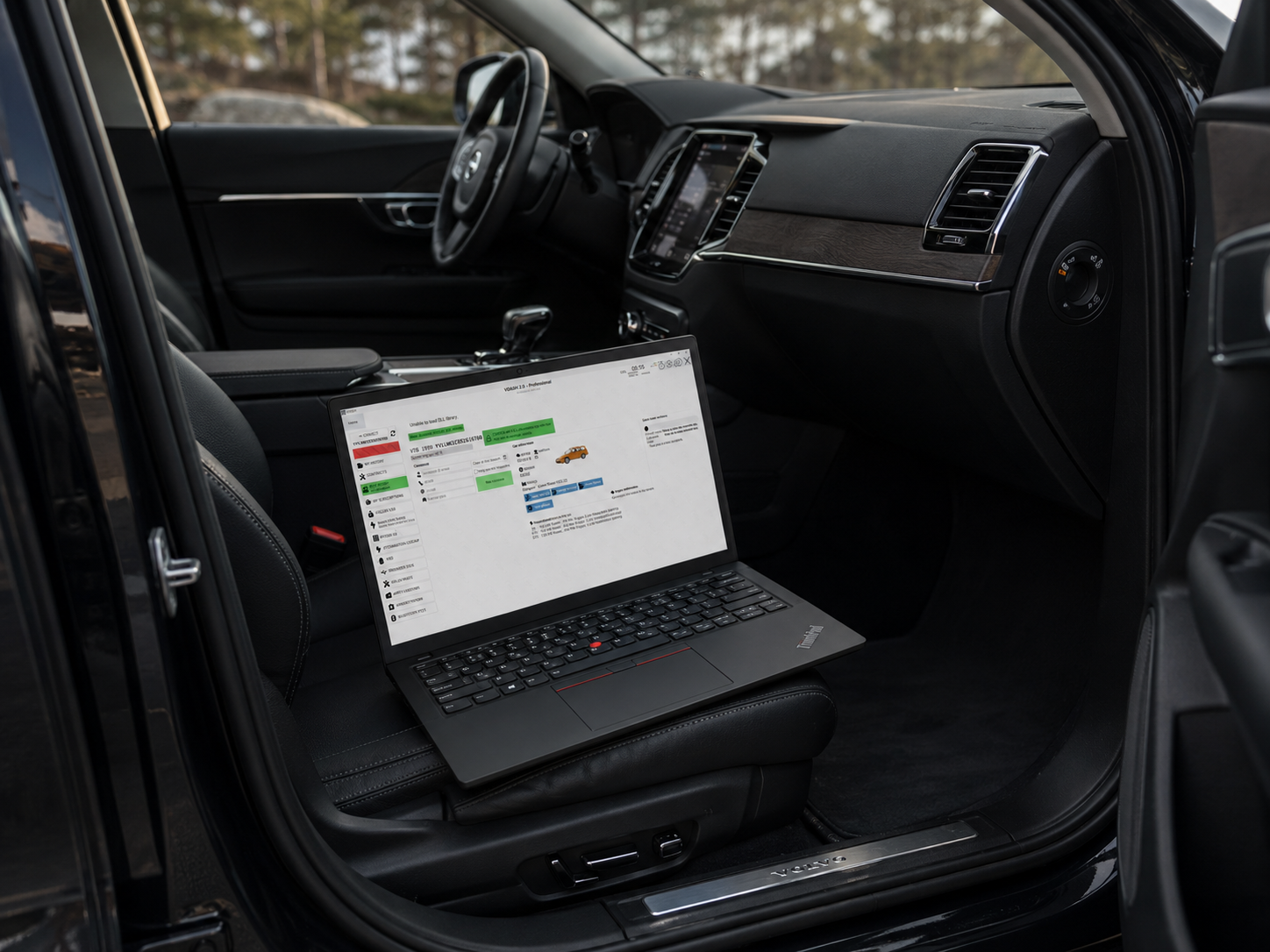
- Log in to VDASH
- If successful, the vehicle VIN will appear in the top-left corner
- Click the "Connect" button
- A full vehicle scan will begin
Module Cloning
- After the scan, select the desired module, for example DIM – instrument cluster
- Click on the module
- Select "Clone Module" and confirm
- The vehicle will temporarily shut down — this is normal
- The original module will be read, which takes approx. 5–10 minutes
- Once the vehicle wakes up, replace the original module with the new one
- Confirm the replacement in the application
- The vehicle will shut down again and programming will begin, which takes approx. 3–5 minutes
- After completion:
- exit the wizard
- restart the vehicle by turning the ignition off and on
- Click "Clear Errors"
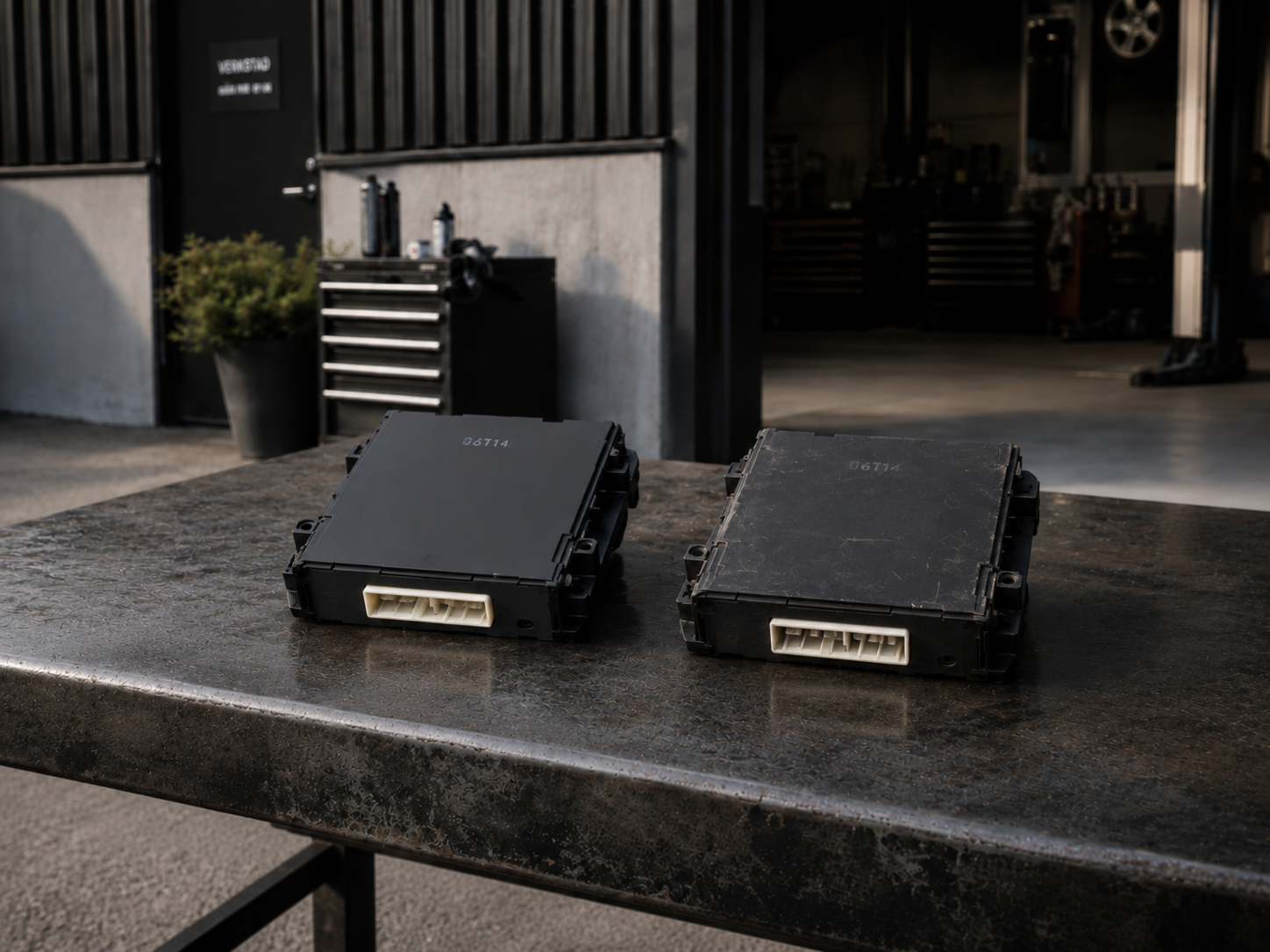
The process is complete. You can now disconnect all devices.
Important cloning limitations:
- On SPA / CMA platforms, VDASH can clone only the ECM module, and only on VEA Gen1 engines. No other modules can be cloned on SPA / CMA platforms.
- CEM units are generally not possible to clone with VDASH.